I have been trying to install the 2.8.0 standalone version on a Windows 11 machine but keep getting an error that the server is unable to start. I’ll paste the error below but everything I’ve been able to find so far points to it being an issue with the version of Java being used. When I try to install it using the latest, which is Java 8 (1.8), it won’t even run and I get an “UnsupportedClassVersionError” that says it’s written for class 61 but I’m using 52. Class 61 refers to Java 17 but Java 8 only supports up to class 52. So I’m confused about how the latest version of Java is 8 but it was written using Java 17.
I was able to install Java 17 (and several other versions after it didn’t work), which allowed the openmrs-standalone.jar file to run, but then it opens a browser window with the following error:
org.openmrs.module.ModuleException: Unable to start OpenMRS. Error thrown was: org.springframework.beans.factory.UnsatisfiedDependencyException: Error creating bean with name ‘medicationDispenseFhirR3ResourceProvider’: Unsatisfied dependency expressed through method ‘setFhirMedicationDispenseService’ parameter 0; nested exception is org.springframework.beans.factory.UnsatisfiedDependencyException: Error creating bean with name ‘fhirMedicationDispenseServiceImpl’: Unsatisfied dependency expressed through method ‘setDao’ parameter 0; nested exception is org.springframework.beans.factory.BeanCreationException: Error creating bean with name ‘fhirMedicationDispenseDaoImpl’ defined in URL [jar:file:/C:/openmrs-standalone-2.8.0/appdata/.openmrs-lib-cache/fhir2/lib/fhir2-api-2.6-2.7.0.jar!/org/openmrs/module/fhir2/api/dao/impl/FhirMedicationDispenseDaoImpl.class]: Initialization of bean failed; nested exception is org.springframework.beans.factory.NoSuchBeanDefinitionException: No bean named ‘cacheInterceptor’ available
I have searched everywhere and installed almost every version of Java along with many other suggestions but just can’t get it to install correctly.
indeed @awingfield1 this version of standalone needs a version upgrade of the FHIR module that’s why it is showing these errors basically its not the java version with the issue
@dkayiwa we need to upgrade to the latest core version and fhir module for future downloads
A simple take on what this bring s to the Platform standalone is a unity check for the java version and since Openmrs doesnot support Java 24+ currently a display to the user will be shown as the flows
Next steps @dkayiwa Is updating to the latest platform version and Deciding whether we migrate the publishing to github actions or still use the Bamboo to publish for Download
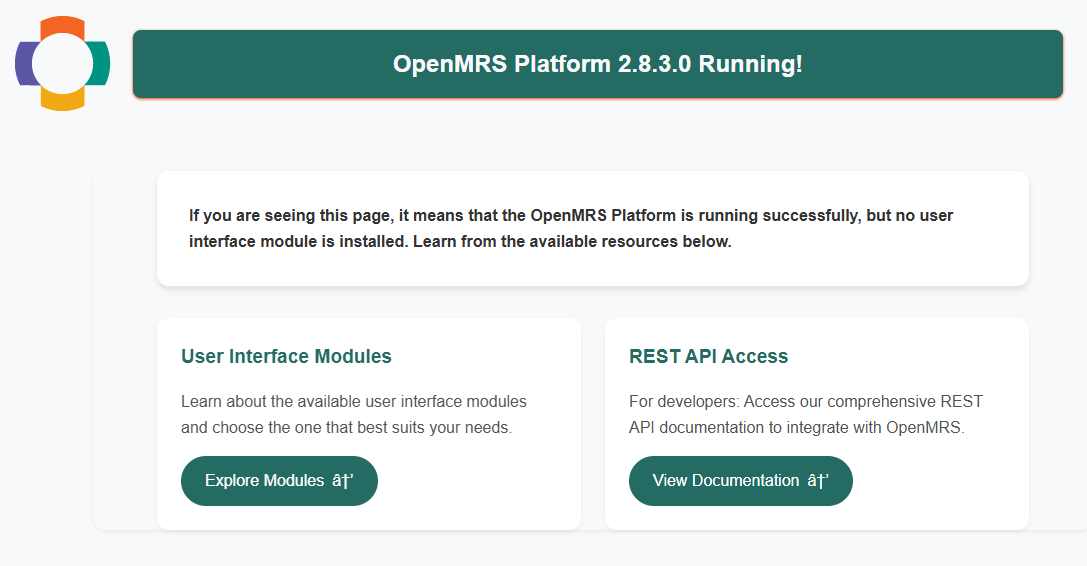
@dkayiwa, the best quick way (as waiting the migration from bamboo) I see is to provide a downloadable link via pushing a tag (v2.8.3) to GitHub . The existing release.yml workflow will automatically build the standalone and create a GitHub Release with the zip file attached.
Download and unzip openmrs-standalone-2.8.3.zip in the Assets Section
Make sure you have Java 17–21 installed (Java 21 recommended)
Run: java -jar openmrs-standalone.jar or Double click openmrs-standalone.jar file
Note: Java 24+ is not supported. If you attempt to run with Java 24+, the application will show a clear error dialog guiding you to install a supported version.
Actually, Java 21 is the recommended version for the best performance and long-term support. The reason I mentioned Java 17 is because it is the minimum required baseline for the standalone (due to the embedded database MariaDBj4).
Strongly based on the MariaDBj4 version -Release 3.2.0 · MariaDB4j/MariaDB4j · GitHub i worked on last year which is currently the version we are using which requires a minimum of Java 17