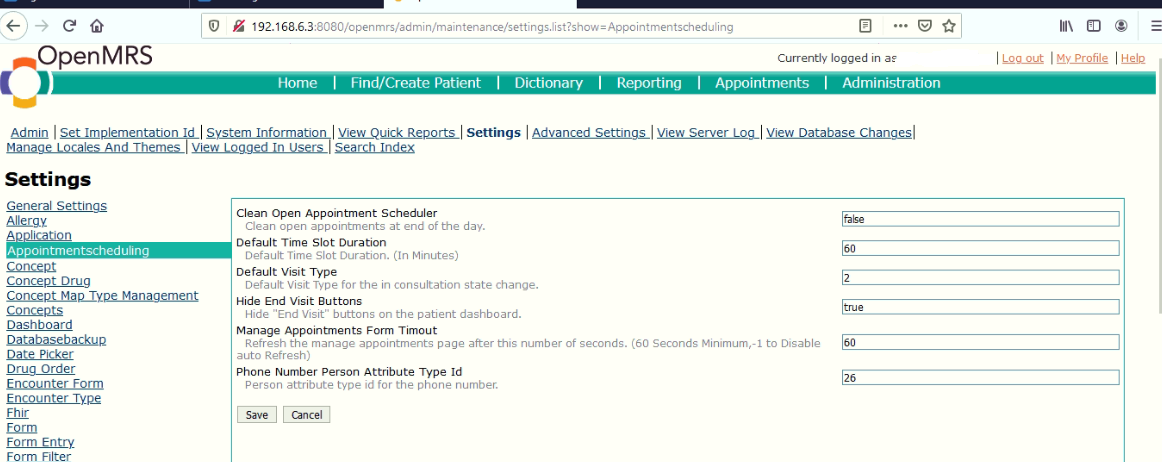
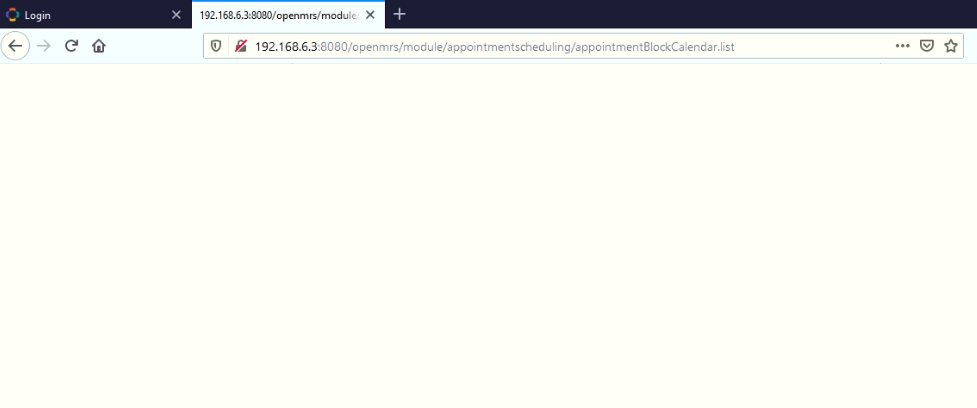
Here is the log file Log level log file - Pastebin.com
DEBUG - PortletController.handleRequest(356) |2021-03-24 13:25:03,017| Found conceptIds parameter: 161717,161160,161166,162037,161067,161071,161056, 162291, 162292
Each of the two concepts 162291, 162292 have a leading (in front) white space which the code does not expect. Do you have any setting with that list of concept ids? If yes, can you remove those spaces?
I have seen one concept dashboard.overview.showconcepts has spaces on those concept ids. I have removed the spaces and try to run again I still get the problem.

Restart OpenMRS and test again.
I have restart Openmrs and test it again the problem is still there. https://pastebin.com/i4bjp7MX!Openmrs from my server provider scheduling 3|690x288
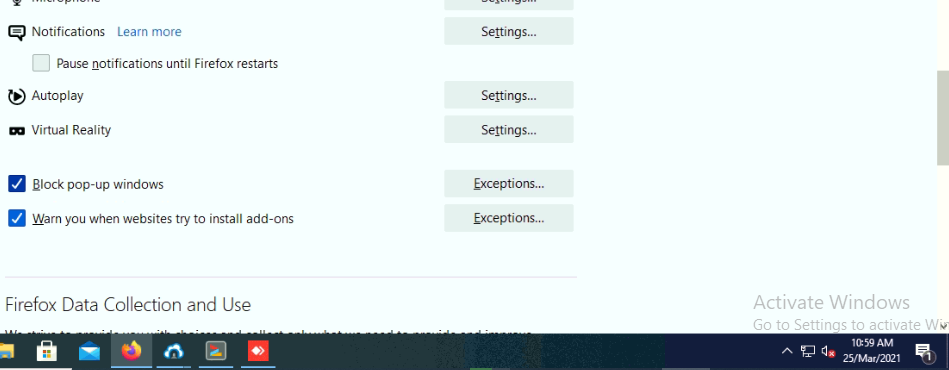
What is the date format setting in your browser?
Can you update to the latest version of the appointment scheduling module?
The Appointment scheduling module version I am using is the current one which is 1.9.0.
The demo server is using 1.13.0
Where can I get that on OpenMRS Add ons page the latest version is 1.9.0 OpenMRS Add Ons
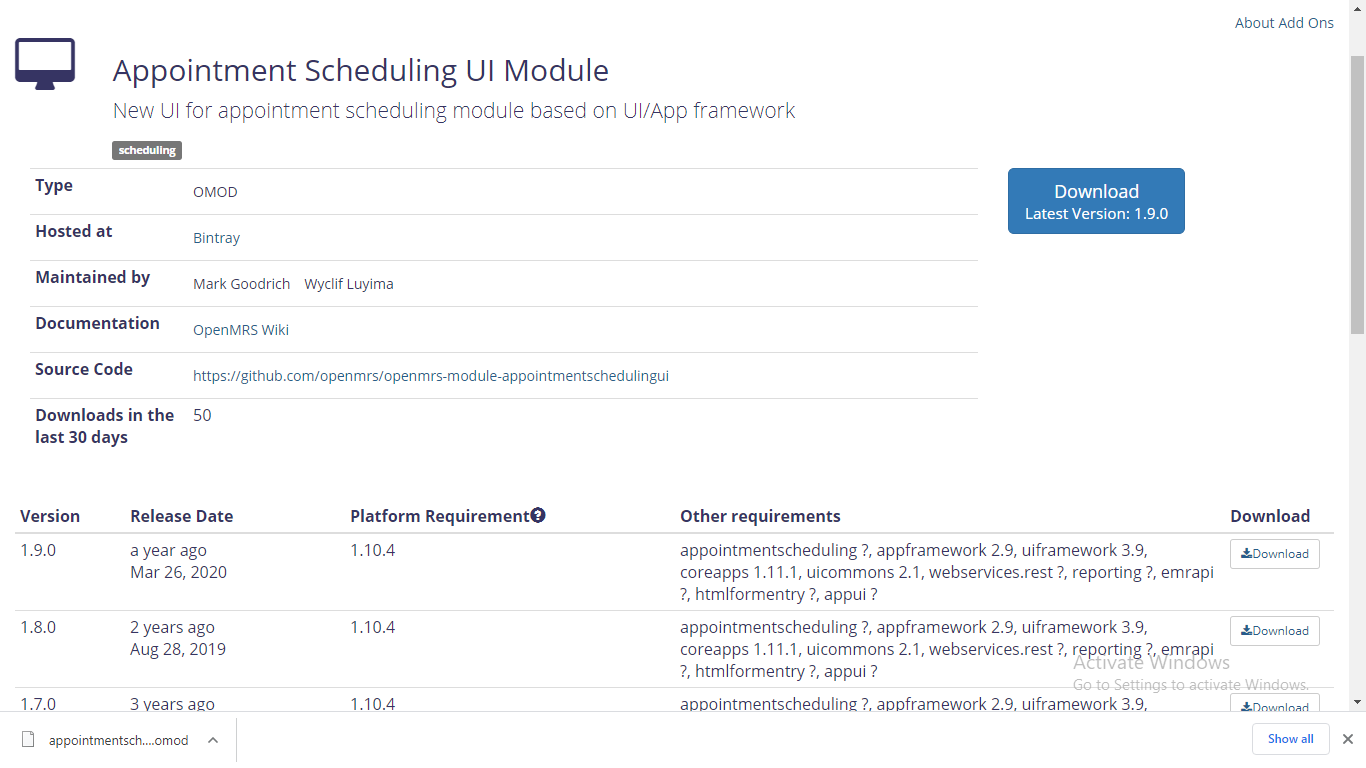
Ok I have seen appointment scheduling module on Reference Application Add ons 211
After upgrading appointment scheduling module to 1.13.0 I still get a blank page. Openmrs provider scheduling error log file 3 - Pastebin.com
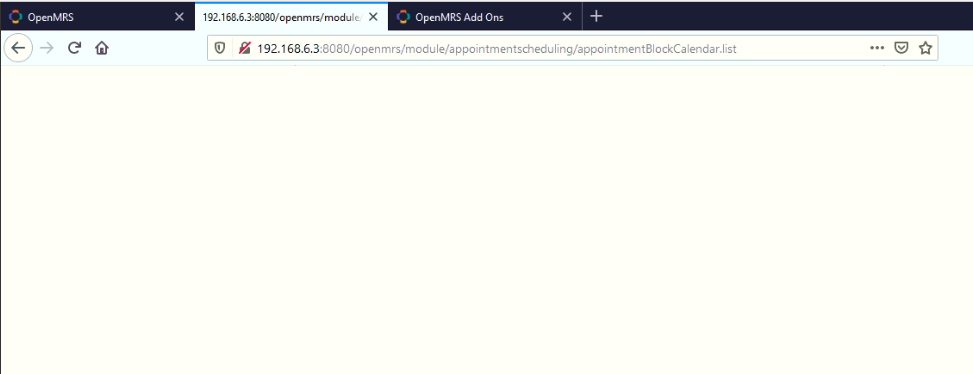
Can you replace this url: appointmentBlockForm.form?fromDate=03/11/2021 00:00&redirectedFrom=appointmentBlockCalendar.list
With this?
appointmentBlockForm.form?fromDate=03/11/2021%2000:00&redirectedFrom=appointmentBlockCalendar.list
Which is essentially replacing the space after the year with: %20
First of all thanks for the support and sorry for the late reply. Is just that I am providing openmrs support remotely and not connect to the computer that I provide support to.
But when I replace the above url it works. Now how can I fix this I have try to remove space between conceptids on dashboard.overview.showConcepts on global properties but still it does not work.
What happens when you try a different browser?
I have tried with Mozilla and it still does not work
Here is the log file Appointment scheduling error3 - Pastebin.com
Do you think that you can share with me the contents of your global_property table?