Thanks @ayesh, I’ve added a comment on the pool request.
Hi @ruhanga
Sure I made the changes.But had to create a new PR since my fork had some conflicts.
thanks @mksd
@mozzy @ayesh the validation button is not visible on the LHS of the cross below:
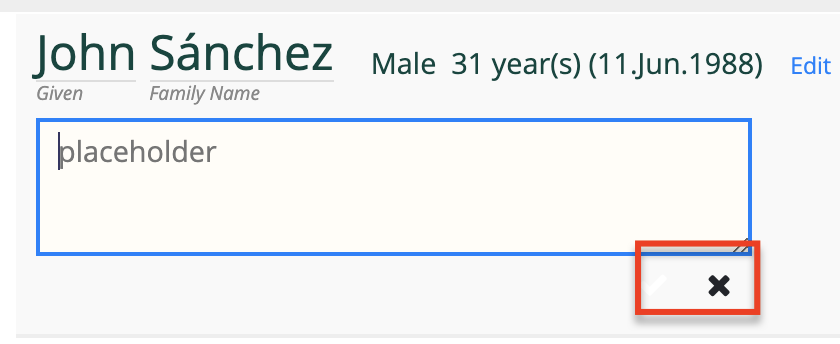
Do you know if that could be due to Bootstrap changes as well?
@mksd , wanted to reproduce that but i cant know where exactly that is …’ can you reproduce it from theqa-server and tell us the exact page ??
Sorry yes, have a look here: https://qa-refapp.openmrs.org/openmrs/coreapps/clinicianfacing/patient.page?patientId=227
Also in view mode, the delete button doesn’t work anymore:
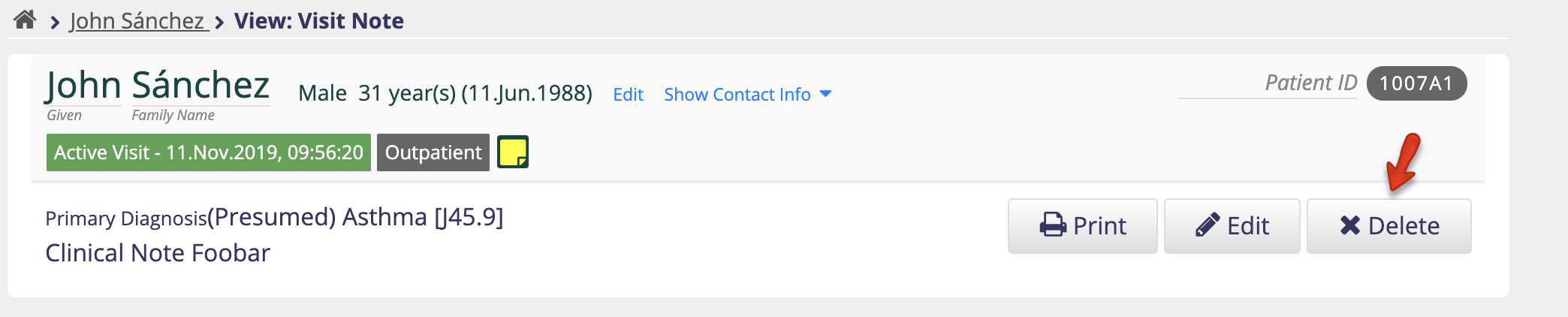
Again, looks like a weird styling issue, but it might not be Bootstrap-related. You can try this one here: https://qa-refapp.openmrs.org/openmrs/htmlformentryui/htmlform/viewEncounterWithHtmlForm.page?patient=227&encounter=5623&
true , cc @ayesh
i havent yet reporduced that , what where you trying to edit/add specifically there??
Will look in to it soon
This works for me on the demo: https://demo.openmrs.org/openmrs/coreapps/clinicianfacing/patient.page?patientId=388
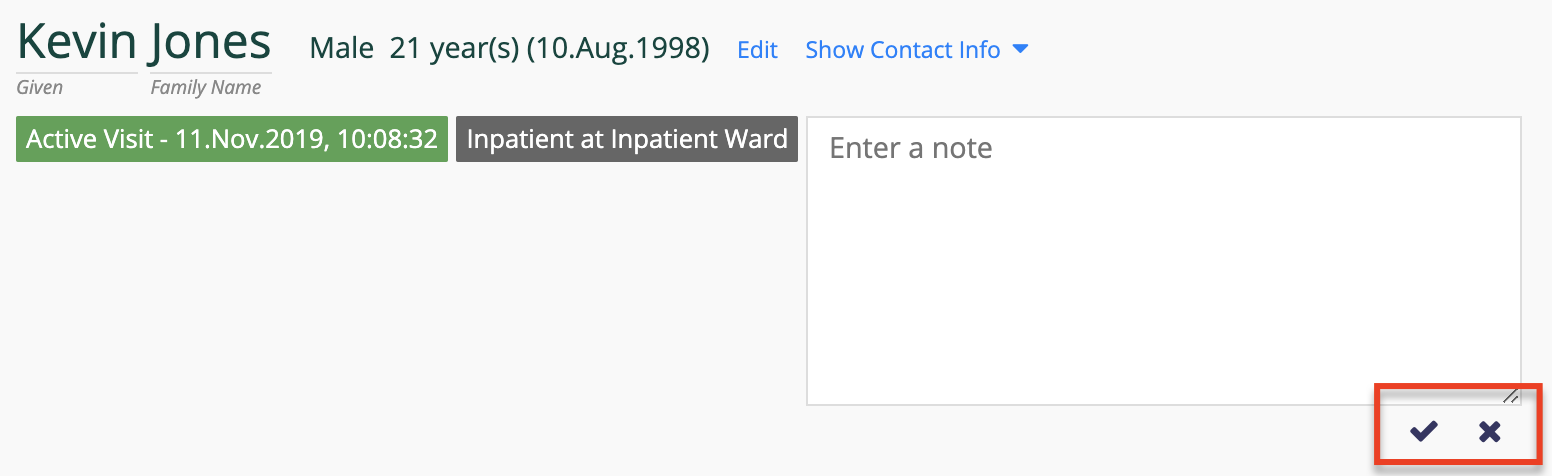
This doesn’t work for me on QA Ref App: https://qa-refapp.openmrs.org/openmrs/coreapps/clinicianfacing/patient.page?patientId=227
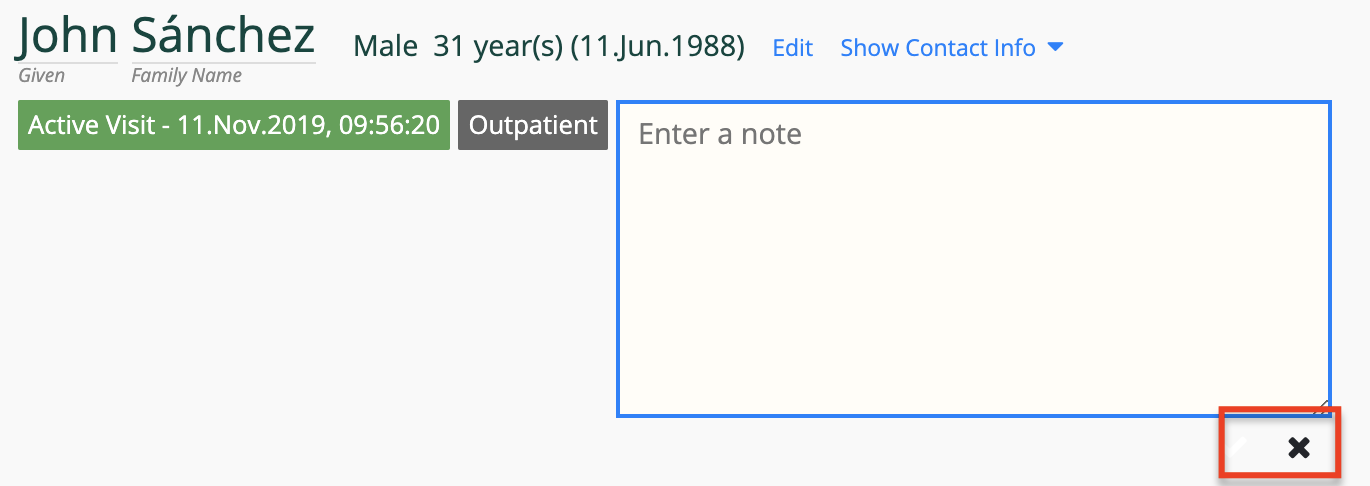
That is on:
Google Chrome: 78.0.3904.97 (Official Build) (64-bit)
Revision: 021b9028c246d820be17a10e5b393ee90f41375e-refs/branch-heads/3904@{#859}
OS: macOS Version 10.14.6 (Build 18G1012)
JavaScript: V8 7.8.279.23
1 Like
Seems like a font awesome issue will fix it soon
Here is the change.Now it actually contains few other fixes as well.Can we merge them I already appended video to showcase the changes as well
@ayesh its up again .
1 Like
@mozzy are you planing to have some sort of more organised testing sprint or something else? I still strongly feel that it is not safe to release another version of the reference application before exhaustively testing each and every bit of it. For instance, i just casually tried the Can't log in? link on the log in page, only to notice that the window that popups up freezes the screen without giving the user any easy option of doing anything else.
1 Like
Not necesarily a sprint , but let me try to organise the on going testing in a better way. Thanks