I am running my own ozone distribution following the steps in the following link Start & Stop - Docs but in Windows not linux. so what are the relevant corresponding steps to follow in order to start my own distribution instead of running ./start-demo.sh shell script as I am using Windows ?
I would recommend you set up Windows Subsystem for Linux and use it. Ozone is a Docker project, and it should technically work with Windows Docker Desktop, but we don’t provide helper scripts for Windows, so you will have to run it directly using the Docker compose files.
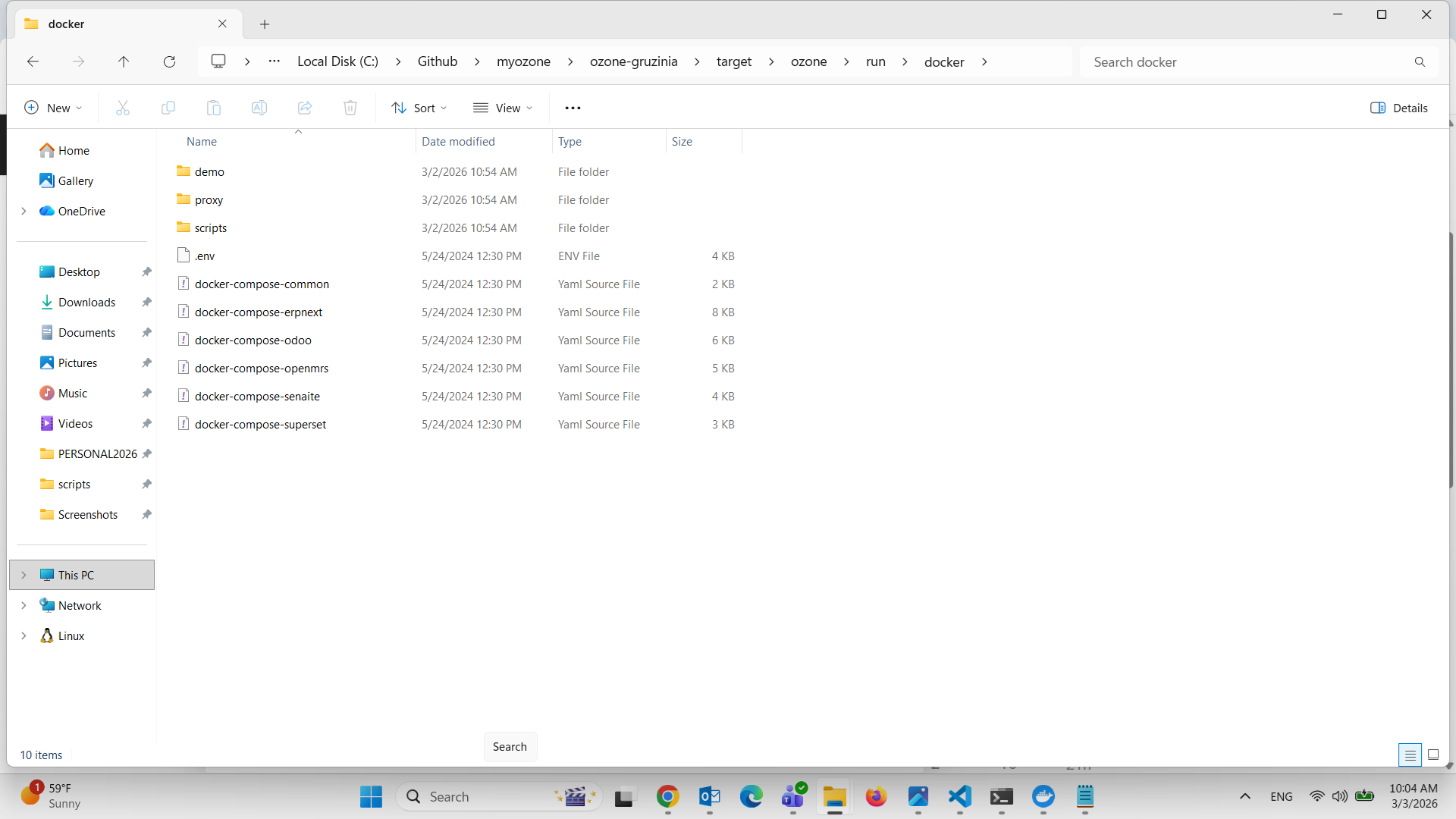
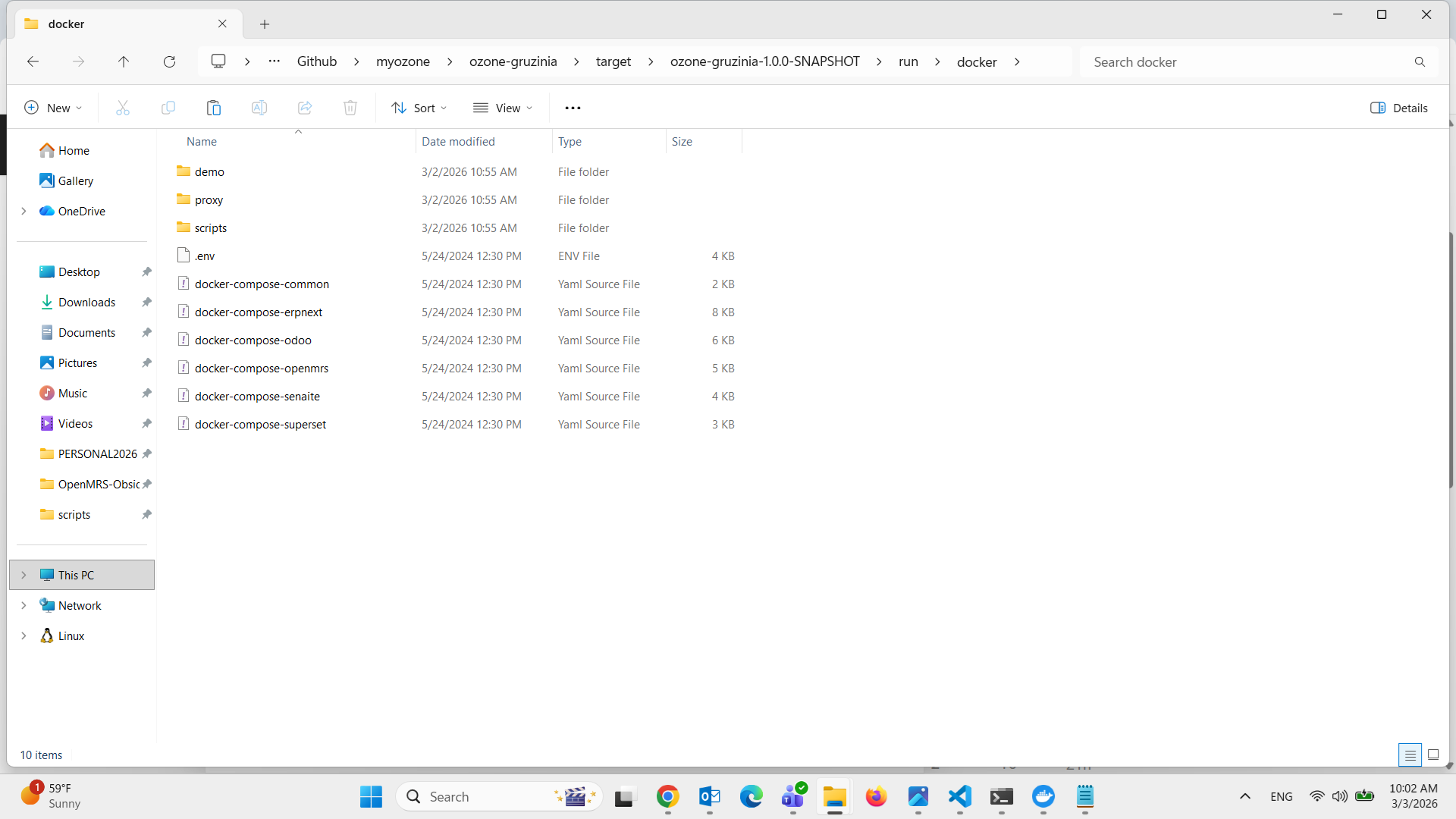
Which docker compose file I should run to run openmrs or should I run them all ? In which location of the above ? Should I rename “docker-compose-openmrs” to be “docker-compose” ?
@sameh There is a docker-compose-files.txt you can edit to enable the apps you want, see Enable & Disable Apps and Integrations - Docs . However, it depends on the bash startup scripts to iterate and run the related docker containers. So you need to have an environment to run bash scripts if you are on Windows (like WSL as @achachiez suggested, or git bash, ..). Other ways could be translating the bash script into a powershell script but you’ll have to test it yourself. I think working in a Unix environment is the preferred approach, at least for now.