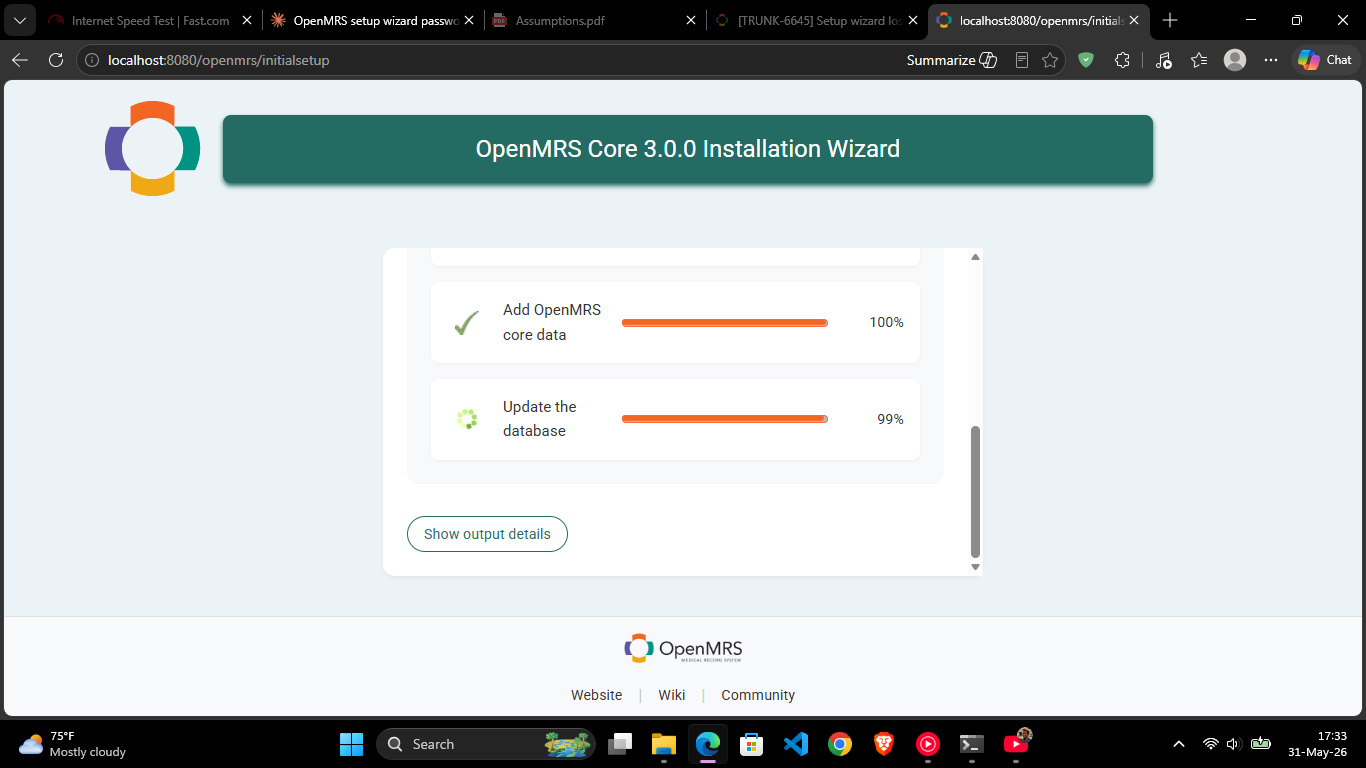
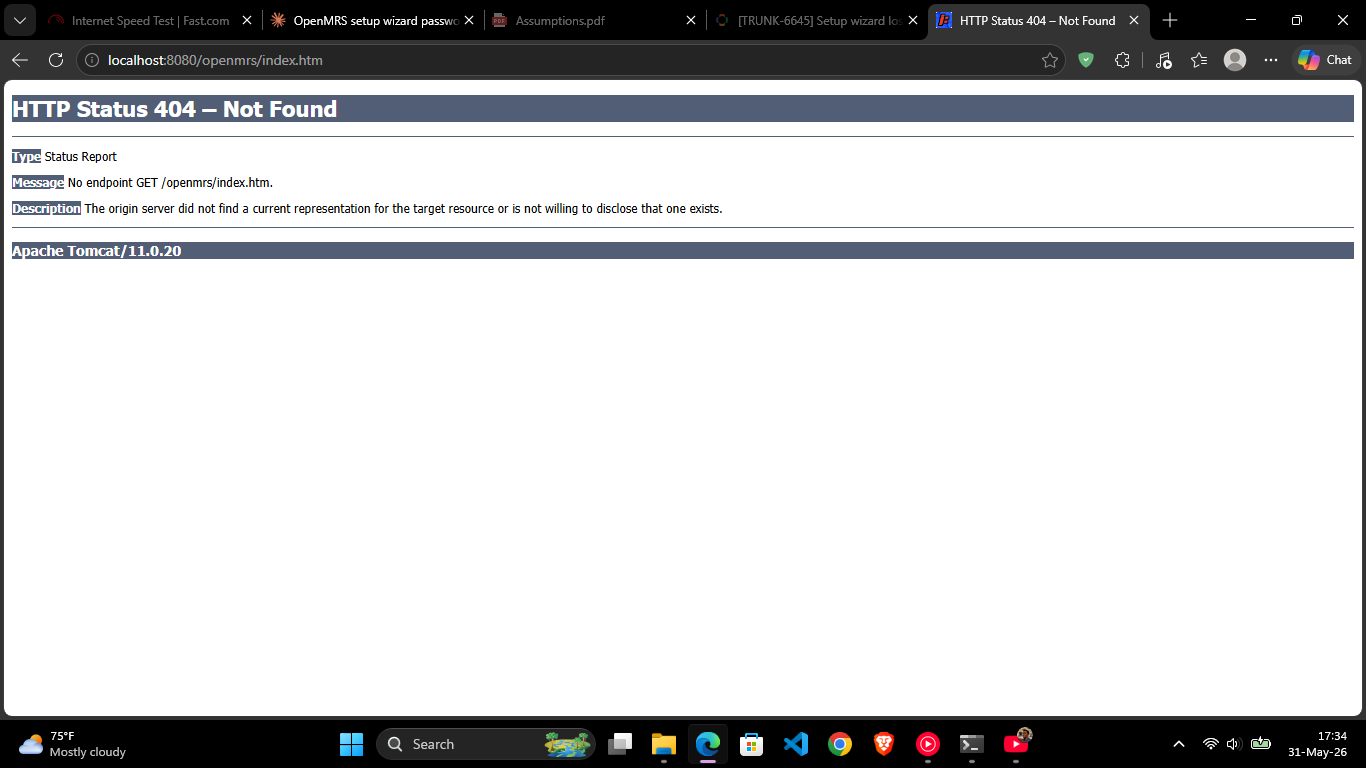
I am trying to reproduce a bug that requires going through the setup wizard interactively, but the wizard never appears. Every time the server starts, OpenMRS silently auto-installs and goes straight to the running app — even after a full reset.
Dropped the openmrs database in MySQL (confirmed gone with SHOW DATABASES)
Restarted the server
Despite this, OpenMRS finds a database somehow, runs Liquibase, recreates openmrs-runtime.properties, and completes startup without ever showing the wizard. Navigating to http://localhost:8080/openmrs/initialsetup just redirects to index.htm → 404.
My questions
Is there another config file beyond openmrs-runtime.properties that feeds credentials to the auto-install path? I noticed %APPDATA%\OpenMRS\configuration\ still exists after my reset.
What is the correct full reset procedure on Windows to force the setup wizard to appear?
Yes, there is. When running OpenMRS via mvn cargo:run from the webapp/ submodule, Cargo creates its own embedded servlet container environment. Which copies or generates an openmrs-runtime.properties file inside the Maven target directory. So even if you delete the one in %APPDATA%\OpenMRS\, Cargo might be feeding the server a cached version from: ...\openmrs-core\webapp\target\...
and because this file still exists, OpenMRS thinks, “Ah, I already have database credentials! Let me just recreate the dropped database using Liquibase and skip the wizard.”
Kindly have you tried to stop and wipe out Maven’s build artifacts?
To stop the running server use this command Ctrl + C.
Navigate to your root directory openmrs-core in the terminal and run: mvn clean
Delete the entire OpenMRS folder in AppData, not just the properties file. For it contains modules and contexts that can interfere.
completely delete the database and all the data inside it by:
Open your MySQL CLI or Workbench.
Run the drop command: DROP DATABASE openmrs; and SHOW DATABASES; to verify it’s gone.
For the past 2 weeks, I have been looking for ways of going around this. I discovered that whenever you are running or building a new server while using Docker, one needs to manually delete the “sdk-stats.properties” file in the C:\Users\######\openmrs directory regardless of the platform version you are running. This means that the new server will build its own “sdk-stats.properties” file rather than using the old one created by another server.
Hope this could help someone else