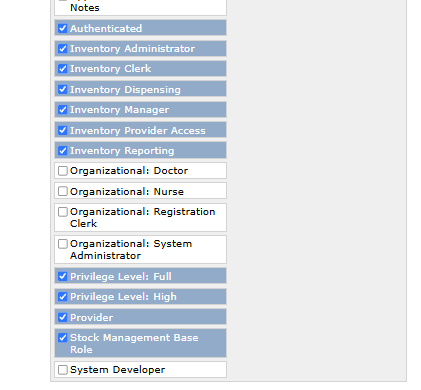
On a fresh Reference Application 3.6.0 Docker distro (pinned TAG=3.6.0, so frontend/backend/gateway are all 3.6.0), I can’t save a user-role scope in Stock Management. The dialog closes without an error, but nothing is saved and the table stays empty.
Digging into it, the stock-management frontend calls:
The backend image bundles stockmanagement 3.0.0 (the latest release on GitHub). A code search of openmrs-module-stockmanagement returns zero matches for “user-scopes” anywhere in the module — the resource it actually exposes is userrolescope, which works fine when hit directly. So the 3.6.0 frontend appears to be calling an endpoint (user-scopes) that no released backend implements.
My question: which stockmanagement backend and esm-stock-management-app frontend versions are meant to be paired in RefApp 3.6.0? It looks like the bundled frontend is ahead of the bundled backend’s API. Is there a newer backend build I should be using, or should I pin the frontend module to an earlier version that still calls userrolescope?
The current openmrs-esm-stock-management source uses /stockmanagement/userrolescope consistently — not /user-scopes. You can verify in stock-user-role-scopes.resource.ts.
If your network tab shows calls to /user-scopes, likely causes:
Stale cached assets — Hard refresh (Ctrl+Shift+R) or restart the gateway container.
Frontend version mismatch — Check which version is actually loaded by inspecting /openmrs/spa/importmap.json for the stock management entry. You can also check in the browser console:
Distro packaging issue — If a pre-release build briefly used user-scopes before reverting, and the 3.6.0 distro pinned that version, that would explain the mismatch.
Workaround: Override the frontend module version in your import map to a known-good version, or raise this on openmrs-distro-referenceapplication if confirmed as a packaging bug.
Sharing the exact frontend version from your import map would help confirm the root cause.
Confirmed from importmap.json: the loaded frontend is @openmrs/esm-stock-management-app3.2.0, while the backend bundles stockmanagement 3.0.0. So it’s a newer-frontend / older-backend mismatch — the 3.2.0 frontend calls /stockmanagement/user-scopes, which the 3.0.0 backend doesn’t implement (it has userrolescope). This is on a clean RefApp 3.6.0 distro (TAG=3.6.0), nothing custom on the stock-management versions. Looks like a distro packaging mismatch. Which frontend version would you recommend pinning to match backend 3.0.0 — or should this be raised on openmrs-distro-referenceapplication?
I can’t find the string user-scopes in the frontend code at all, never mind it making a request. It would be helpful if you can describe the steps you’re taking in the application that produces that failing request.
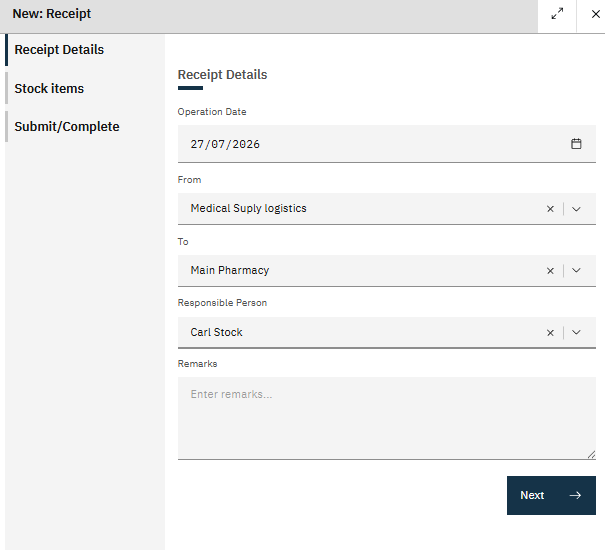
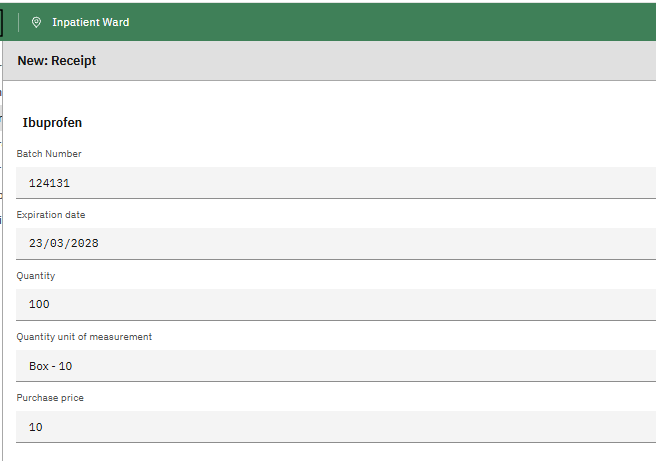
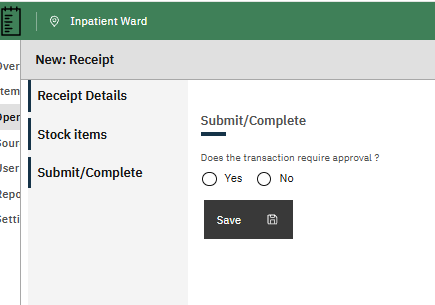
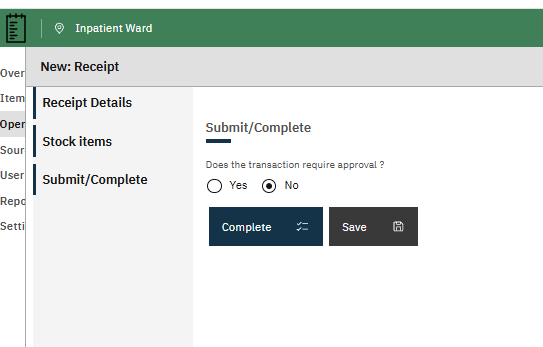
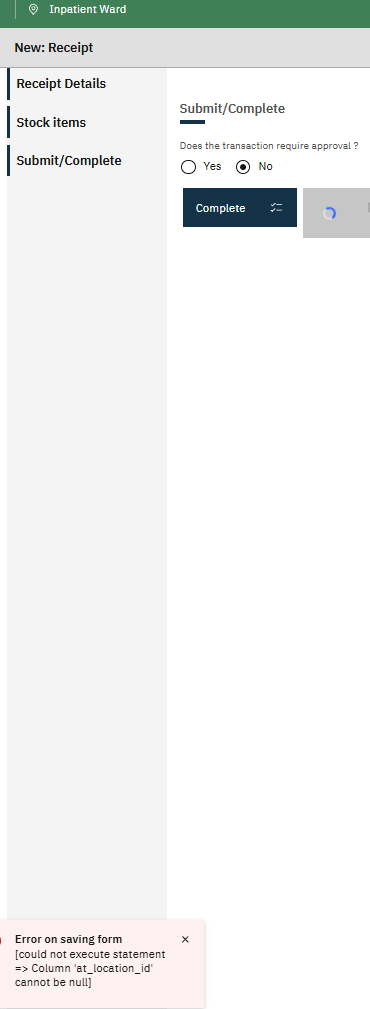
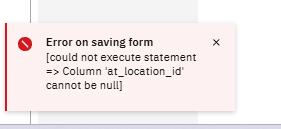
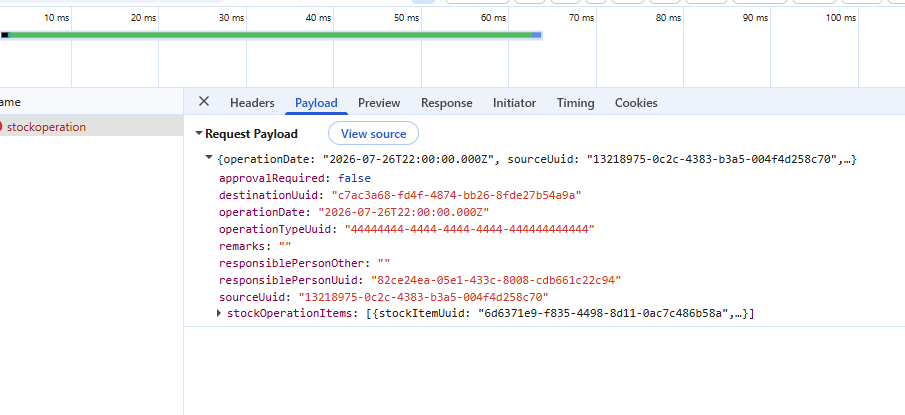
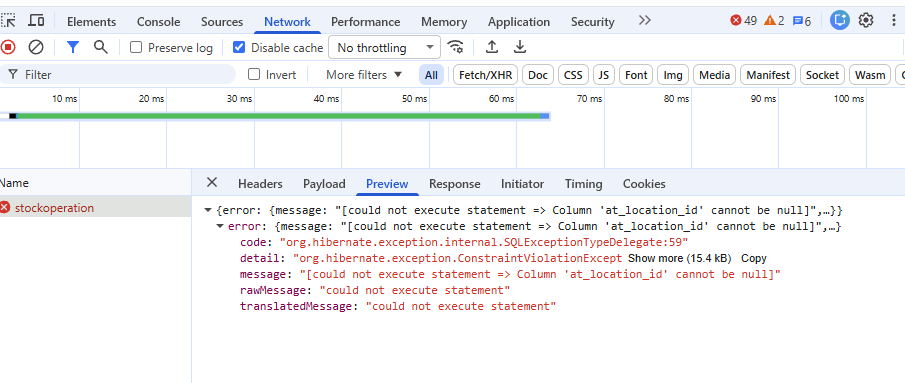
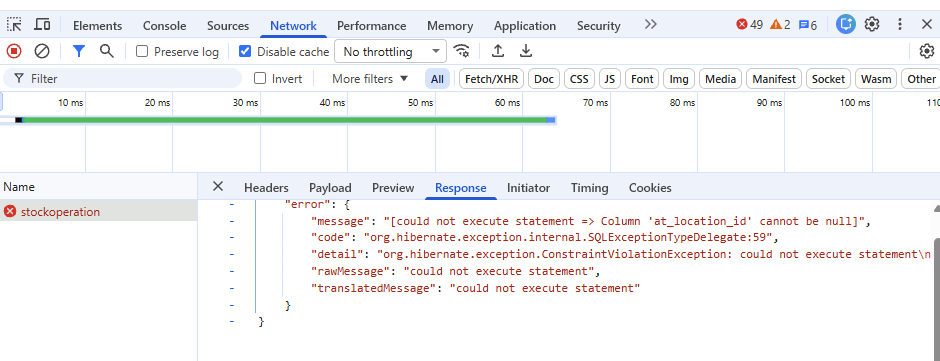
The result is that I never gets out of the screen Submit/Complete and thereby don’t get the operation completed.
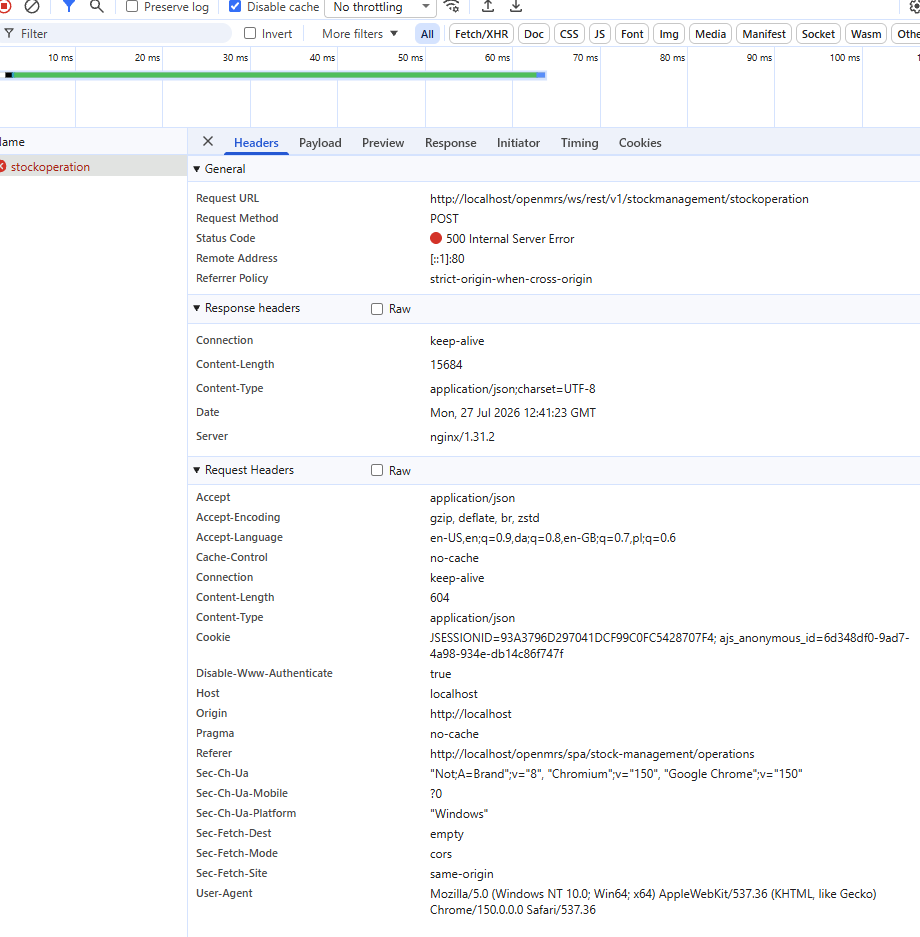
I observed, that the Payload has a destinationUuid: "c7ac3a68-fd4f-4874-bb26-8fde27b54a9a
When I look in the Openmrs Location Management under Main Store the Uuid for that location is:19dbe2c0-289d-11ed-bdcb-507b9dea1806
I may be a wild guess but I assumed that the two Uuids should be the same.
Can you help me to clarify what I am doing wrong and why I can’t get the Stockmanagement tool to work.
Best Regards,
Jens Peder