Could you confirm that mysql is still running and share the catalina.out file as a paste bin again.
Hi @achachiez … MySQL is actively running during OpenMRS wizard setup… But OpenMRS setup is ended with below error. While trying to get catalina.out file, my ec2 instance is facing slowness and also its got hung… So, I’m planning to create the same setup in a new machine having 2 GB memory and again I will run this wizard setup and then I will share you the cataline.out file…
Please let me know if you have any concerns.
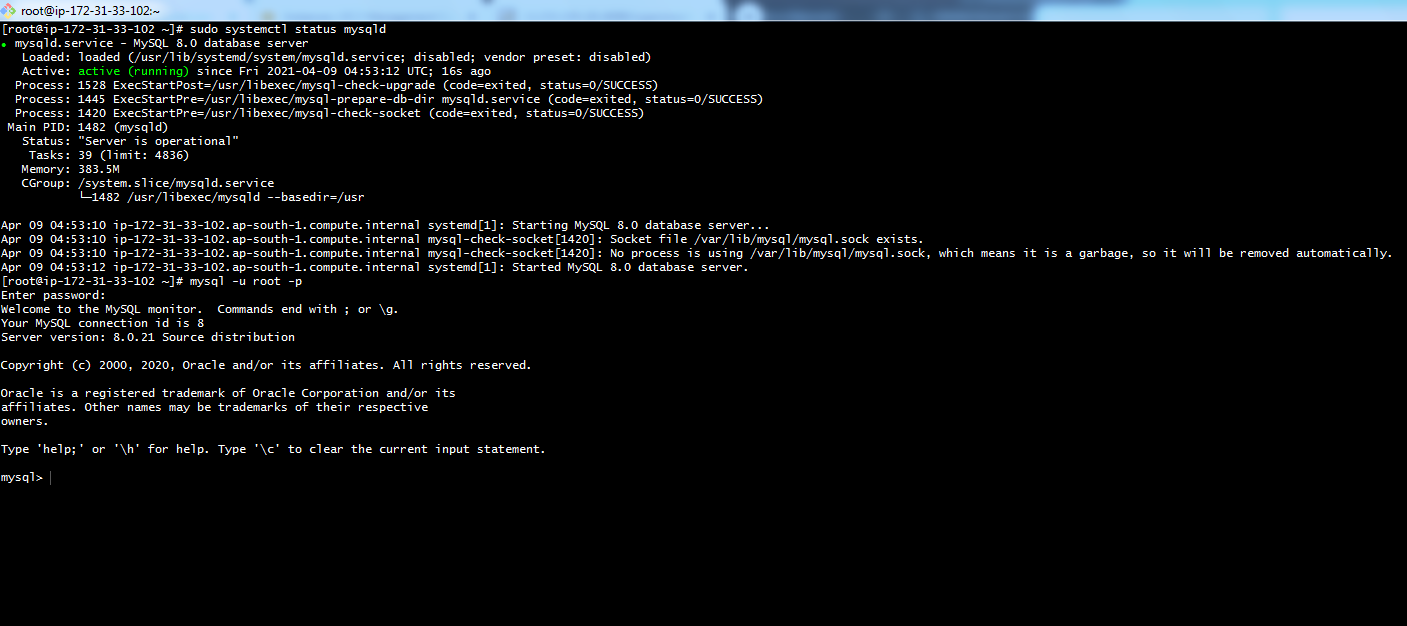
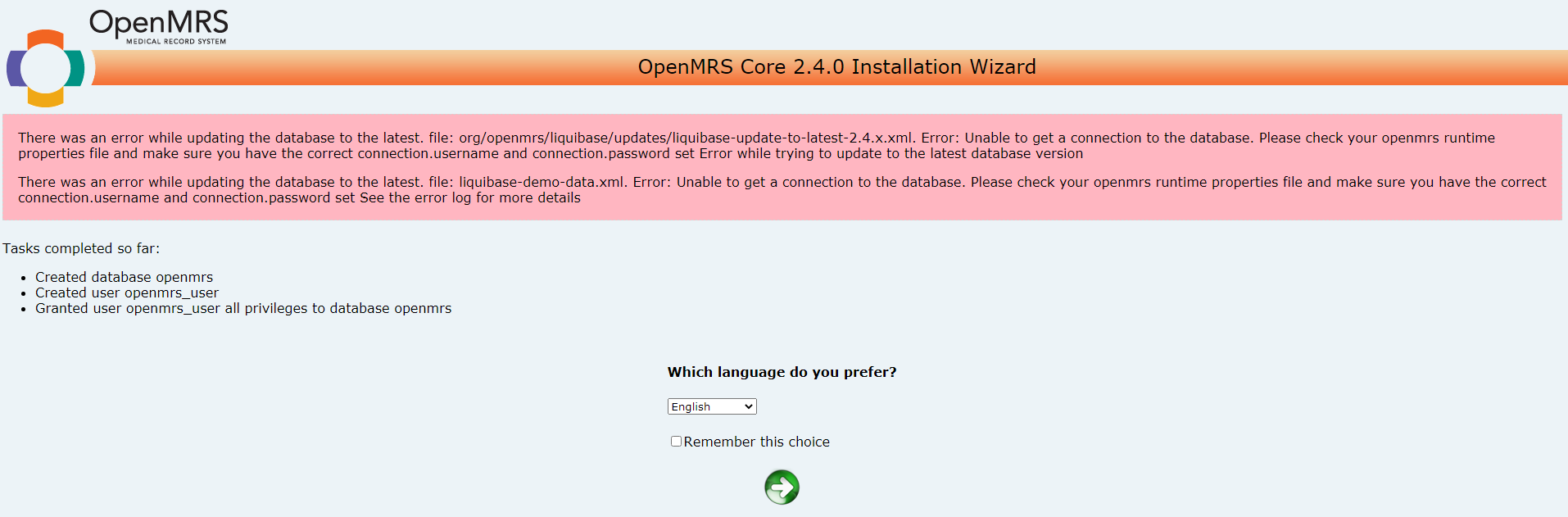
Hi @dkayiwa @jwnasambu @achachiez … I created a new machine with 2 GB memory and followed with my Installation_Steps (Tomcat & MySQL DB Installation)… Before proceeding with my OpenMRS wizard, I double checked on MySQL DB connection. Then, I proceeded with my OpenMRS wizard setup and all the process got completed. (100%) FINALLY, I got my OpenMRS login screen.
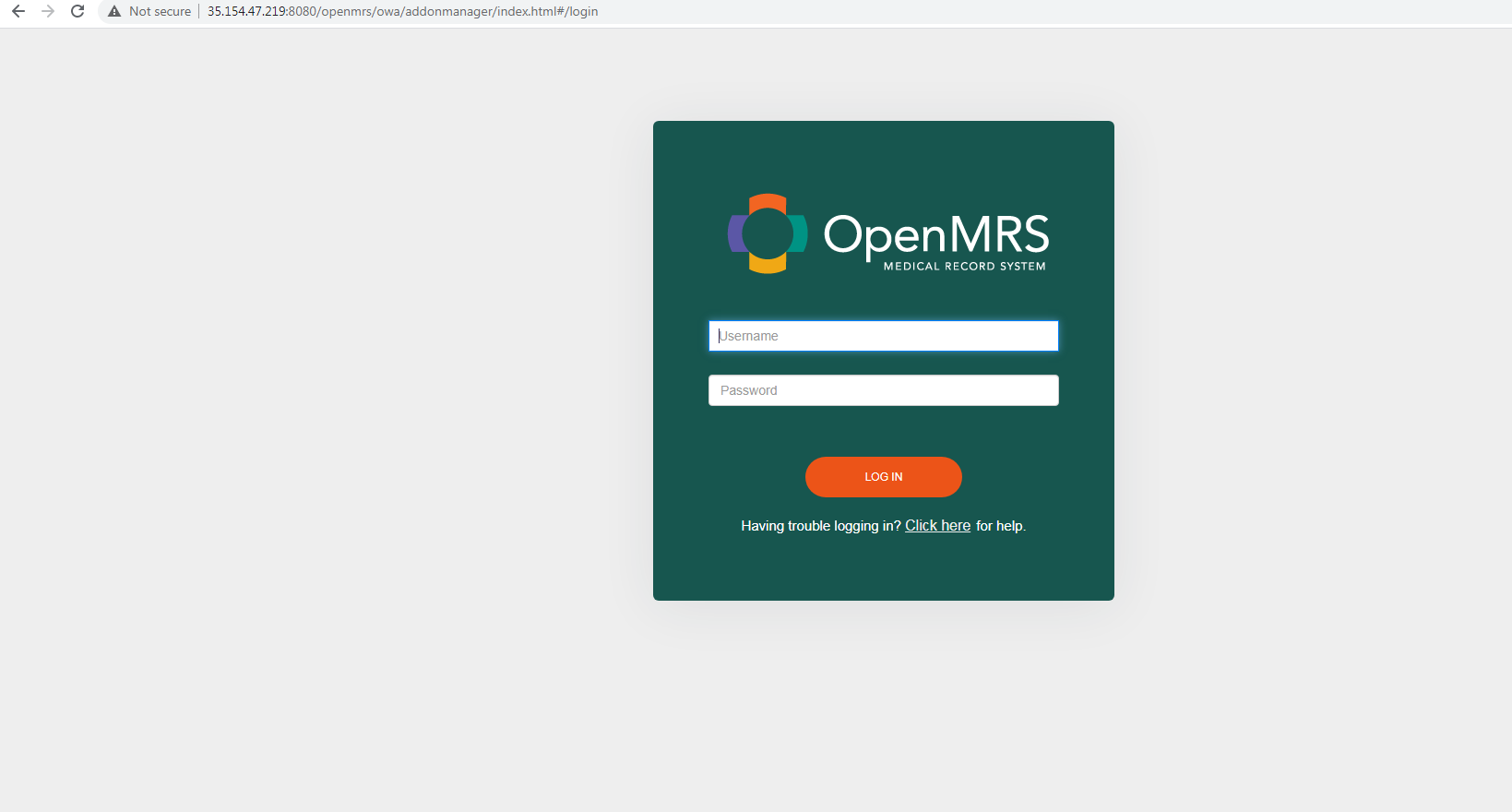
I tried logging in by giving (Username - admin; Password - Admin123) and it says I don’t have any permissions. After sometime, my page got reloaded and ended up with below error.
https://pastebin.com/raw/hp7R0Ka6
Kindly help me on this issue.
I couldn’t attach my catalina.out using pastebin (it says size is too big and also I cant upload here. Reason - file size is big)
I backed up Tomcat related logs to my local machine. Please let me know if you need any other information.
THANKS FOR ALL YOUR DO !
The current errors in your log are cause by old versions of modules which do not support platform 2.4
Use these ones: Download OpenMRS from SourceForge.net
Hi @dkayiwa …
Here do I need to download and unzip the module (the one which you shared Download OpenMRS from SourceForge.net) under this path : /root/.OpenMRS/modules
Please correct me if I am wrong. Thanks for all your do !
Yes that is correct.
Hi @dkayiwa … As you suggested, I downloaded and unzipped the referenceapplication-addons-2.11.0.zip from Download OpenMRS from SourceForge.net on this path: /root/.OpenMRS/modules
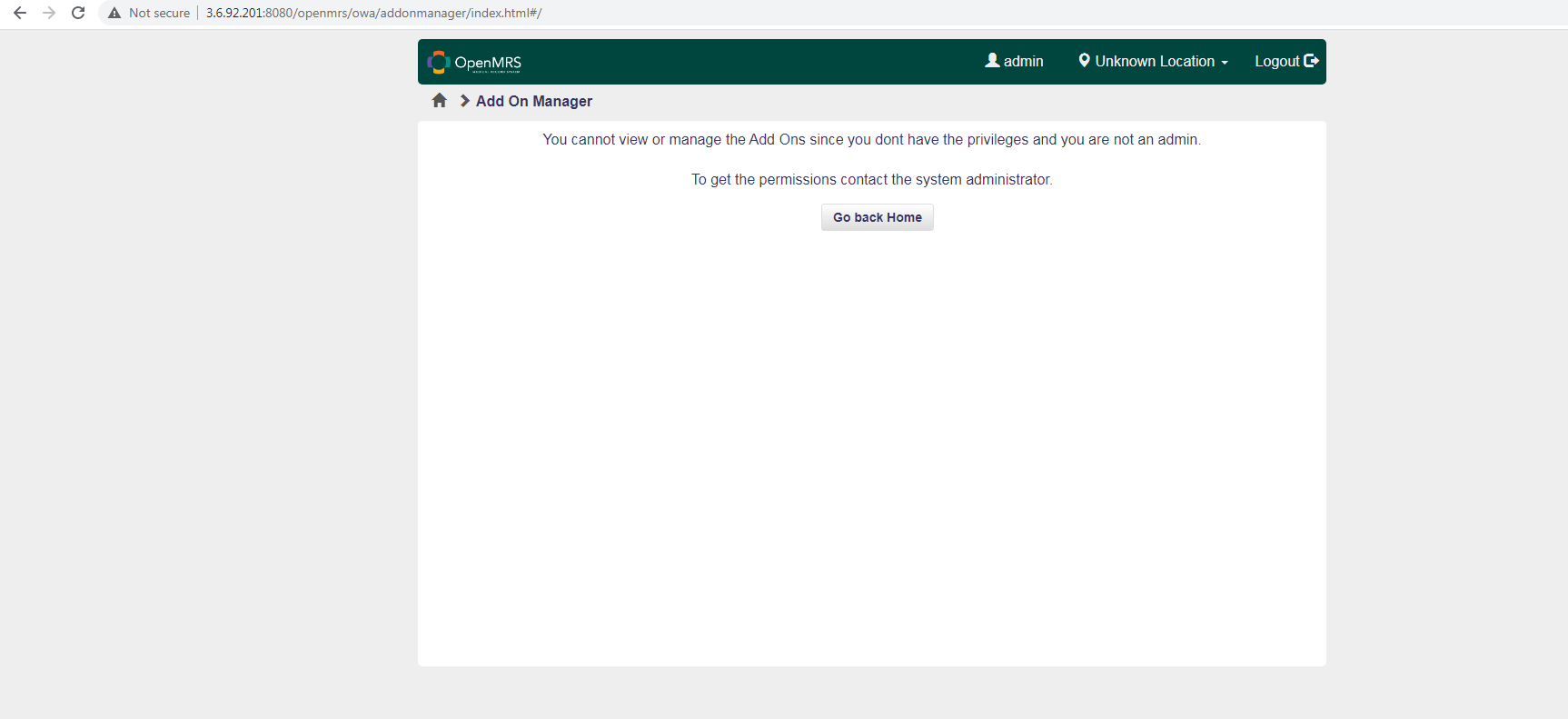
After sometime, I refreshed my OpenMRS login page and logged in using my credentials (Username - admin; Password - Admin123) and got the below output. I refreshed multiple time and tried logging again, still I’m getting the same. Also, there are no error logs found in OpenMRS wizard screen. Please assist me further.
Can you share the tomcat log via pastebin.com?
Hi @dkayiwa … I couldn’t attach the logs via pastebin as the catalina.out file is very big… So, I am attaching the catalina.out log file here… I just divided this file into 5 files (mentioned with numbering)…
Please check and let me know if you need any other information… Sorry for the inconvenience … Thanks for all your do !
catalina.out_1.txt (1.3 MB)
catalina.out_2.txt (1.1 MB) catalina.out_3.txt (1.4 MB) catalina.out_4.txt (1.3 MB) catalina.out_5.txt (1.3 MB)
Stop tomcat, delete all files in the logs folder, start tomcat and get to that page in the browser. Then share the catalina.out contents.
Hi @dkayiwa … As you said, I followed your steps and attached the catalina.out contents below. Please let me know if you need any other information.
https://pastebin.com/raw/GLPpBMaX
Please find the below output after adding modules.
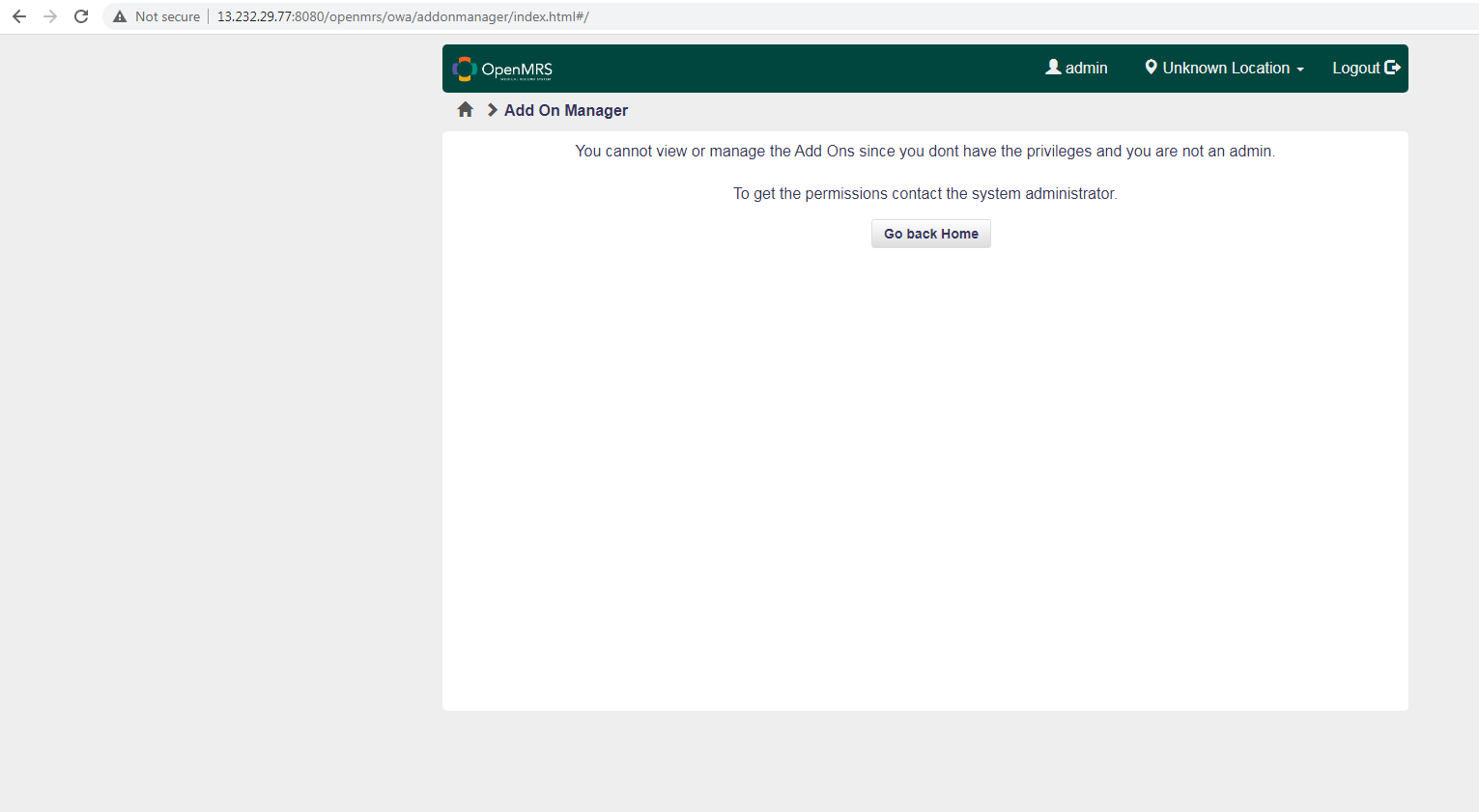
Instead of putting the referenceapplication-addons-2.11.0.zip in the modules folder, unzip and put its contents in the modules folder.
Hi @dkayiwa … In the referenceapplication-addons-2.11.0.zip file, there are 2 folders => modules & owa.
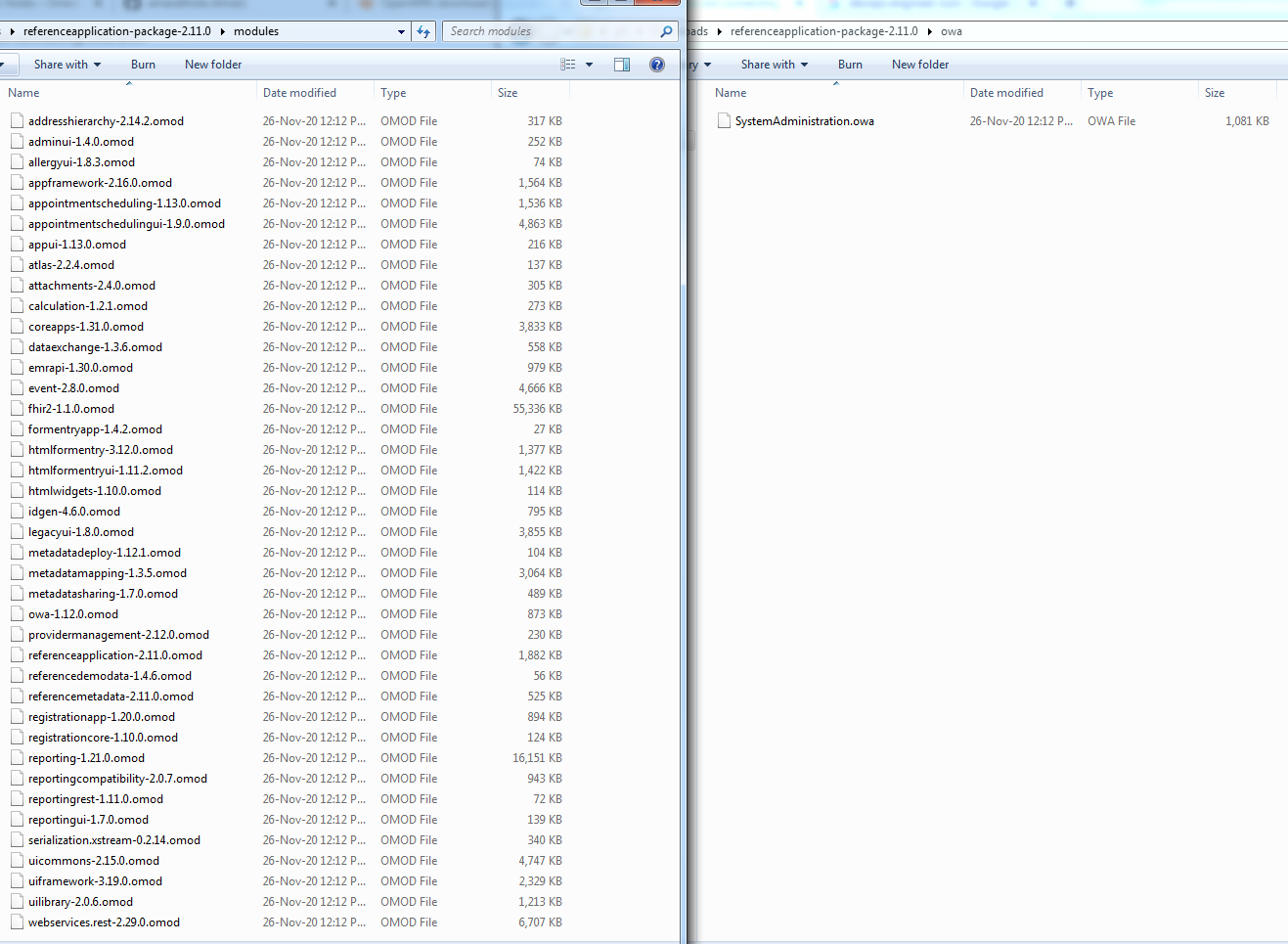
I unzipped and copied these files to this path: /root/.OpenMRS/modules & /root/.OpenMRS/owa/addonmanager. Then, I restarted my Tomcat and got the below error output.
Please refer this link for catalina.out log file => https://pastebin.com/raw/kss7gnNh
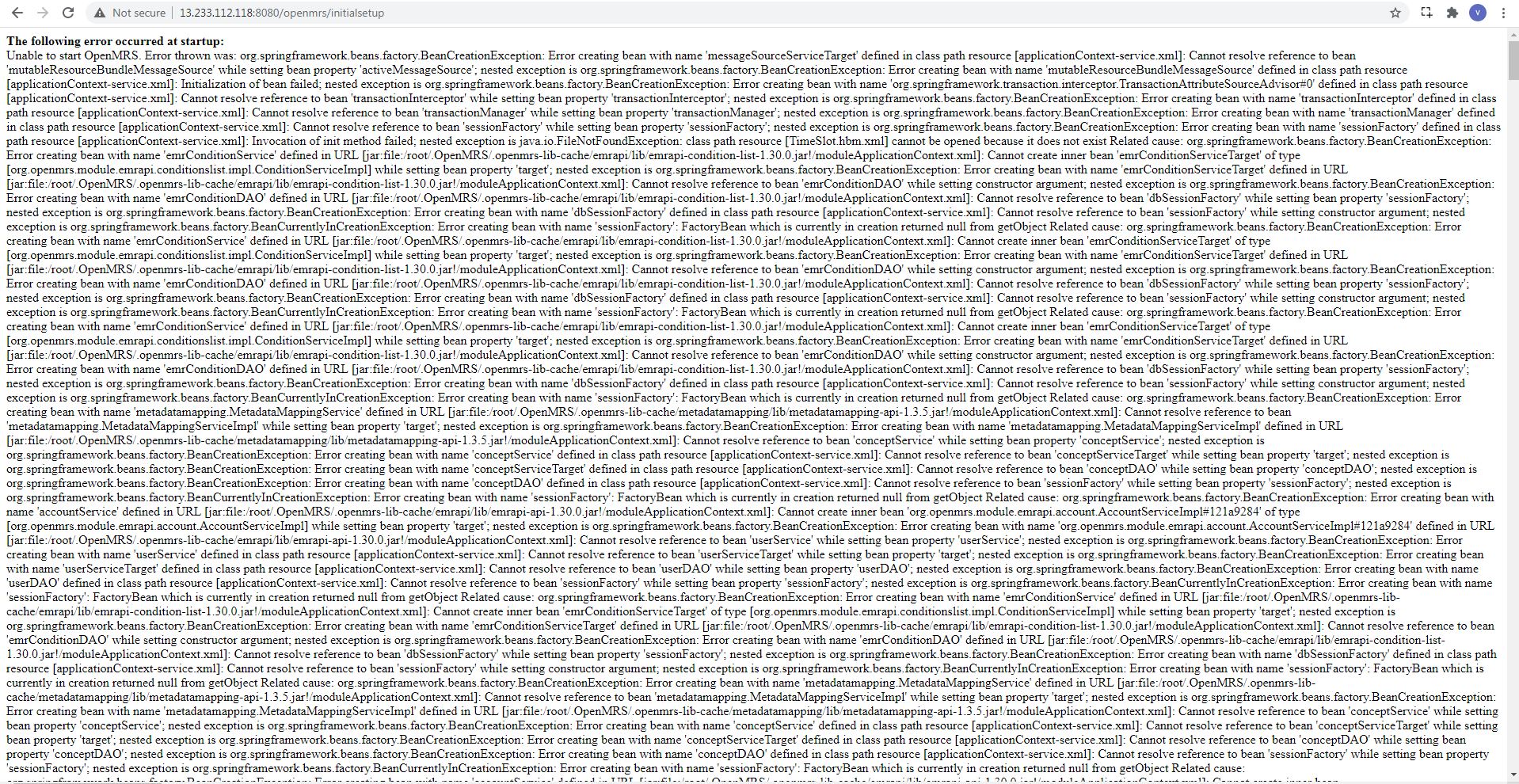
It is the contents of modules (files that end with .omod) that you should put.
Hi @dkayiwa … Please read my updated comment and ignore the previous one… Thanks for all your do !
java.net.BindException: Address already in use (Bind failed) means that the port is being used by another process. You can chose another port, or kill the process that is using it. You could try to just restart your computer and see what happens.