Hello OpenMRS Community and Infra Team,
I am writing to kindly ask for assistance with my Jira permissions on openmrs.atlassian.net.
My OpenMRS ID is supersaiyan101 (email: [email protected]).
The Problem
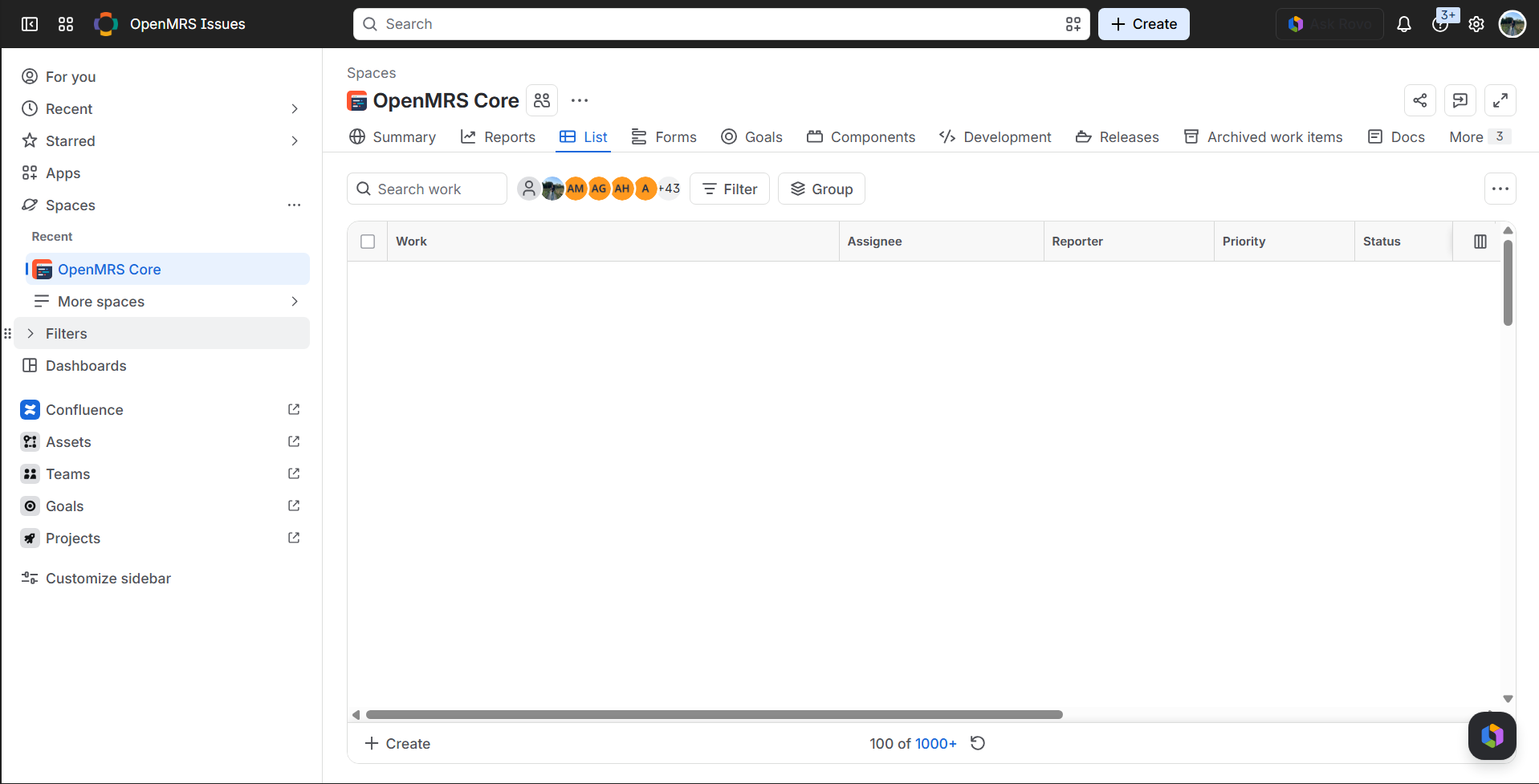
I previously opened Helpdesk ticket ISD-20572 to set up my access. While my account was created, it currently remains in read-only mode:
- The comment box does not appear at all under issues in the
TRUNKproject (under Activity, only All / History / Work log show up). - I am unable to comment, ask questions on tickets, or take part in discussions.
Context & Contributions
I’ve been trying to get this sorted for quite a while now, and it has been rather frustrating being unable to interact on Jira despite actively contributing to the codebase. I currently have two pull requests submitted to openmrs-core that have all tests passing and reviews addressed:
- PR #6706 (TRUNK-6825): Addressed review suggestions from @jwnasambu, implemented a distinct mock, all CI and SonarCloud checks passing.
- PR #6748 (TRUNK-6854): Role & privilege name case-insensitivity fix, green test suite, SonarCloud passing.
I would love to be an active, communicative contributor, but being locked out of commenting on Jira has made collaborating difficult.
Request
Could an administrator please verify my account permissions and add supersaiyan101 to the appropriate jira-users / contributor group so I have standard comment permissions on Jira issues?
Thank you very much for your time and help in resolving this.
Best regards,
Anavay Sharma
OpenMRS ID: supersaiyan101
GitHub: Supersaiyan101