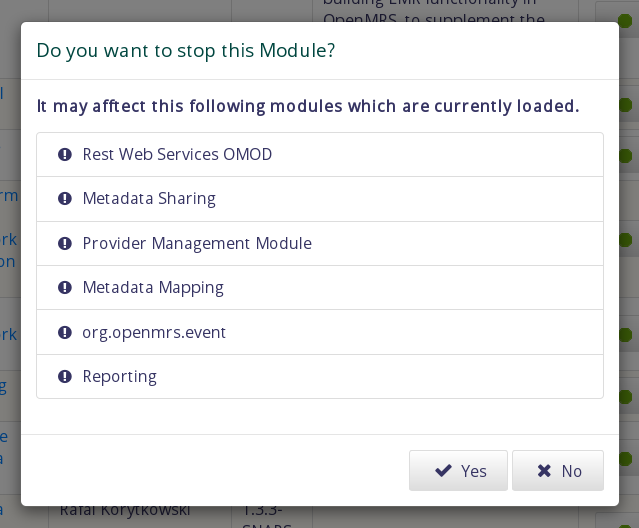
@suthagar23 now it does not show any dependent modules at all, when i try to stop a module. Was this your intention? For instance, if i attempt to stop the emrapi module, i expected to see a list of modules that would be stopped as a result of this.
And when a module has no dependent modules, i would expect the confirmation window, but without the message “It may afftect this following modules which are currently loaded.”
@dkayiwa Currently, Popup alert is showing the depend modules, but it takes a bit of time to show to the user (because each Module name wanted to fetch from legacyID through a single REST request).
Is this one you mentioned? If I didn’t get you, Please apologize me
.
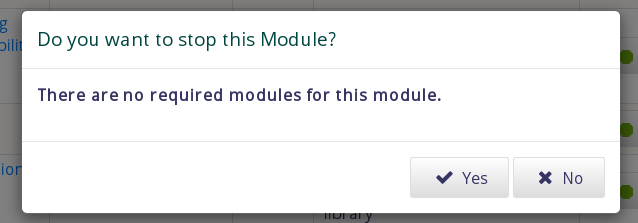
Now, If there are no required modules, then the Popup shows like, “There are no required modules for this module”.
Anyway, If it is not required for this case, I will remove this message and just show the Popup.
I would change the wording from “There are no required modules for this module” to “There are no modules that depend on this. So stopping it will not affect any module.”
I would also change the wording from it may affect the following modules to it will stop the following modules. It is not just a possiblity, it will definitely happen.
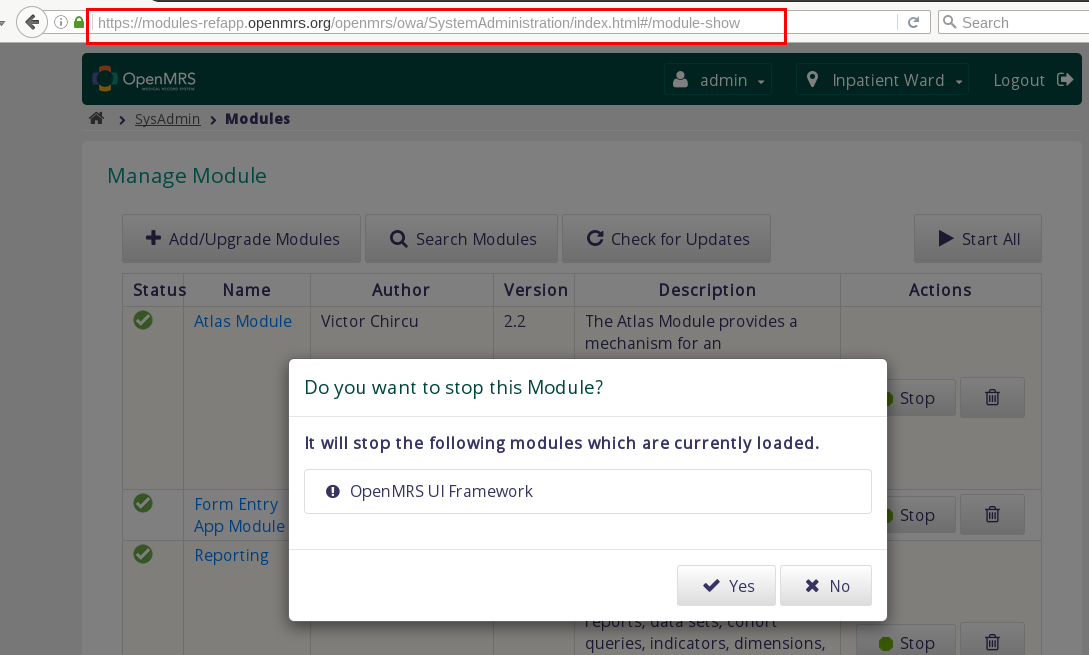
I still see a problem. For instance if i try stop the Atlas Module, am told that it will stop the OpenMRS UI Framework module. Does this mean that the OpenMRS UI Framework module depends on the Atlas Module? My understanding is that it is the other way around. In other words, it is the Atlas Module that depends on the UI Framework module. And hence attempting to stop Atlas should not have anything to do with the UI Framework module.
Trying to stop the UI Framework module, am told that no module depends on it. But actually very many modules depend on it.
Here If we take Atlas Module, then the response data of the atlas module contains two categories,
Aware of Module : This means that if the other module is also installed, do some extra features in Atlas module
Required Module: A module can only access the api/service of another module if it is marked as required.
So here, I want to create a list of modules which contains Atlas Module as Required Module. Then want to display them in the List. (Displaying required modules of Atlas module is totally wrong)
Am I correct?
In the stop message that shows up, i would expect to see only required modules. In other words, those modules that would be stopped as a result of stopping this one.
When a module is aware of another, it does not get stopped because of the other one being stopped.
So here I want to generate a list of Modules, Which contains this module(Eg - Atlas) as their required modules.
In other words, I wanted to iterate all module’s required modules data to check whether this module(Atlas) required by them?
Yah, It will cost long time to respond because of multiple iterations to get that module list.
Are there any alternative way to achieve this task without multiple iterations?
Oh i see!
In that case, you may just include a generic message like, “This may result into stopping some other modules. Are you sure you want to stop the modulename module?”
Yah, So here I will show this simple message as a alert with more details button. So If user click more details button, then It will show those module list (it will take sometime to display the list)
Shall I use this way?

 .
.

 I have changed and updated to the module-ref application
 . anyway I have deployed again. Please check with Incognito window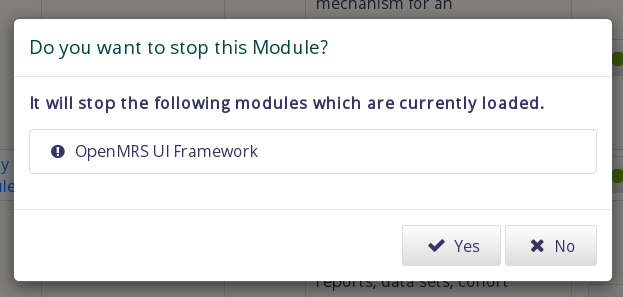
 .
.