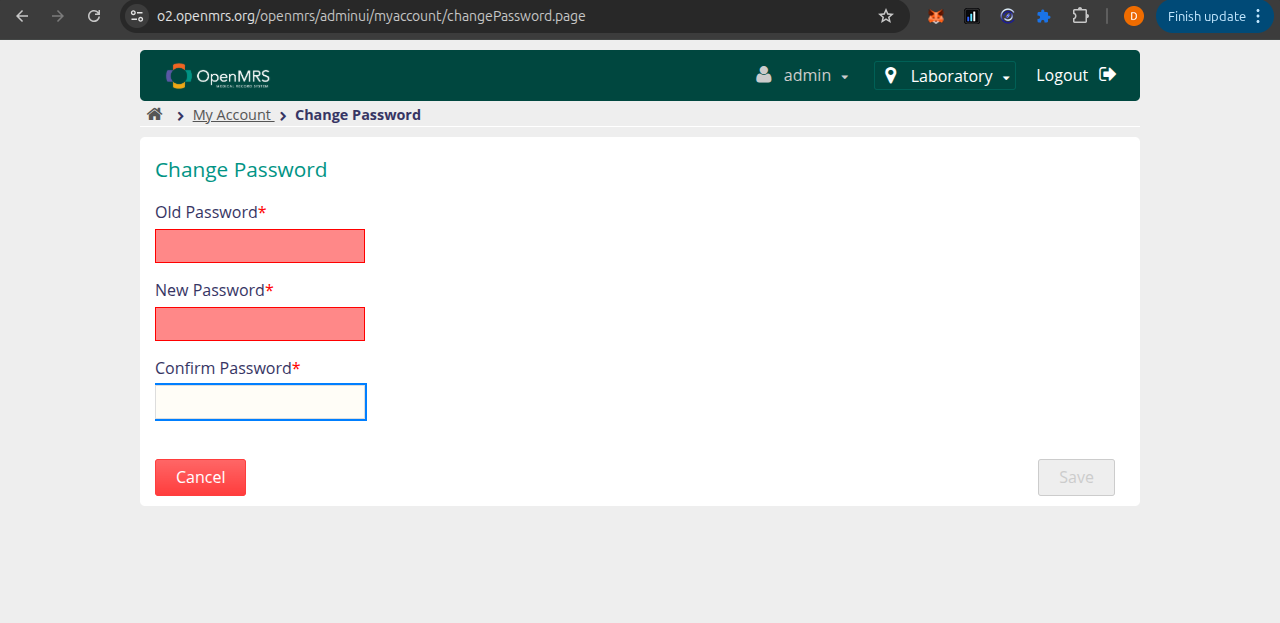
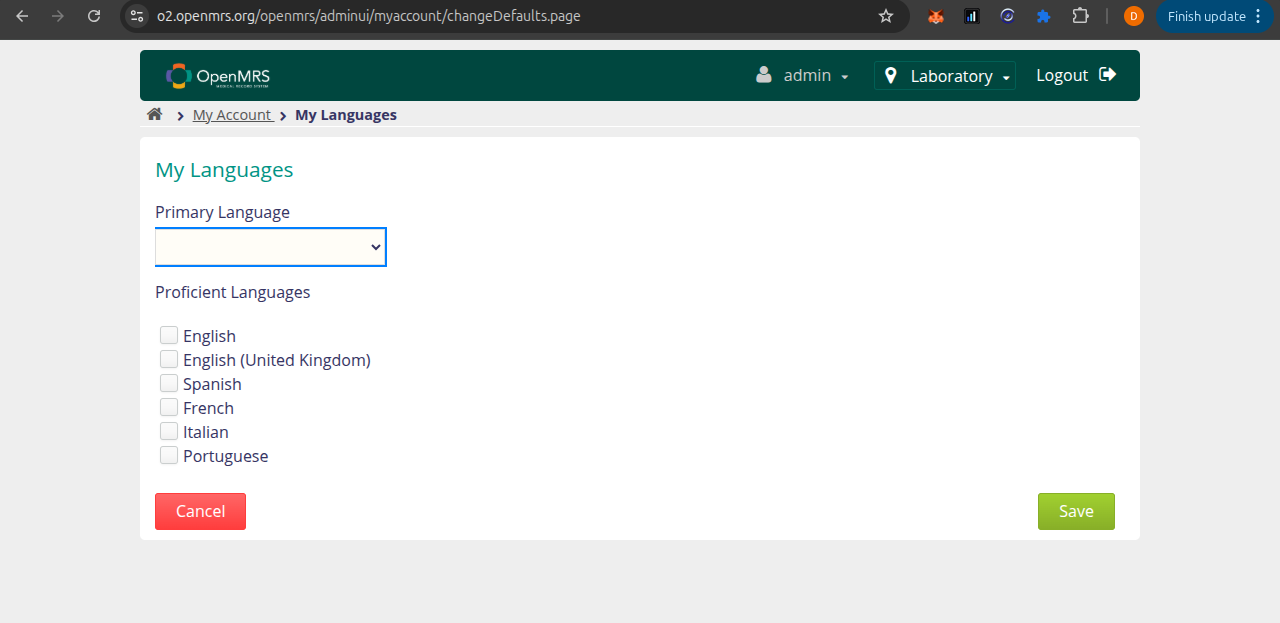
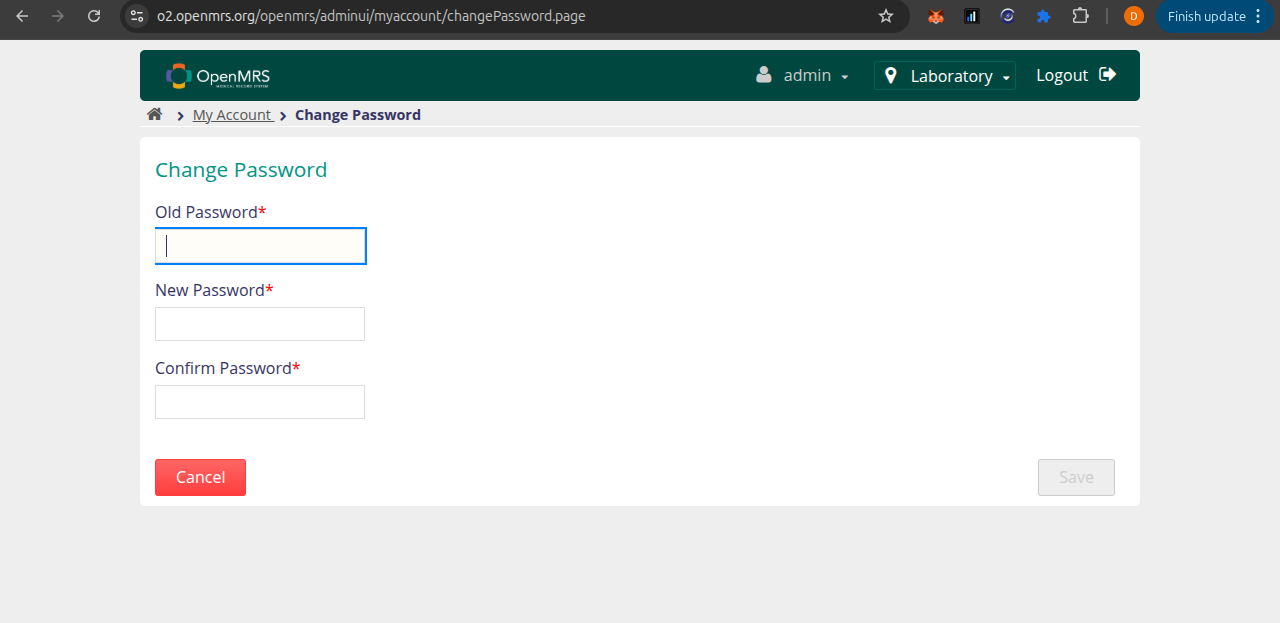
Summary: On the changePassword.page and changeDefaults.page pages, the focus outline/ring on <input> and <select> fields is clipped on the left side while the field is focused.
Root cause: The card container has overflow: hidden, which clips the browser’s native outline property (it renders outside the CSS box model). The left edge of the focus ring overflows the card boundary and gets hidden.
Fix: Replace outline with box-shadow in .simple-form-ui focus styles in adminui.scss. I have a fix ready and a branch to submit as a PR - just need a JIRA ticket created in the ADMINUI project so I can reference it.